This article was co-authored by wikiHow staff writer, Travis Boylls. Travis Boylls is a Technology Writer and Editor for wikiHow. Travis has experience writing technology-related articles, providing software customer service, and in graphic design. He specializes in Windows, macOS, Android, iOS, and Linux platforms. He studied graphic design at Pikes Peak Community College.
This article has been viewed 18,693 times.
Learn more...
This wikiHow teaches you how to Sign in to Google Drive on PC and Mac. If you have a Google account, you can use it to sign in to any Google services, including Google Drive.
Steps









About This Article

1. Go to https://drive.google.com
2. Click Go to Google Drive.
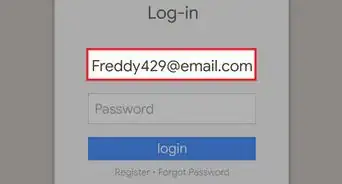
3. Enter your email or phone.
4. Click Next.
5. Enter your password.
6. Click Next.